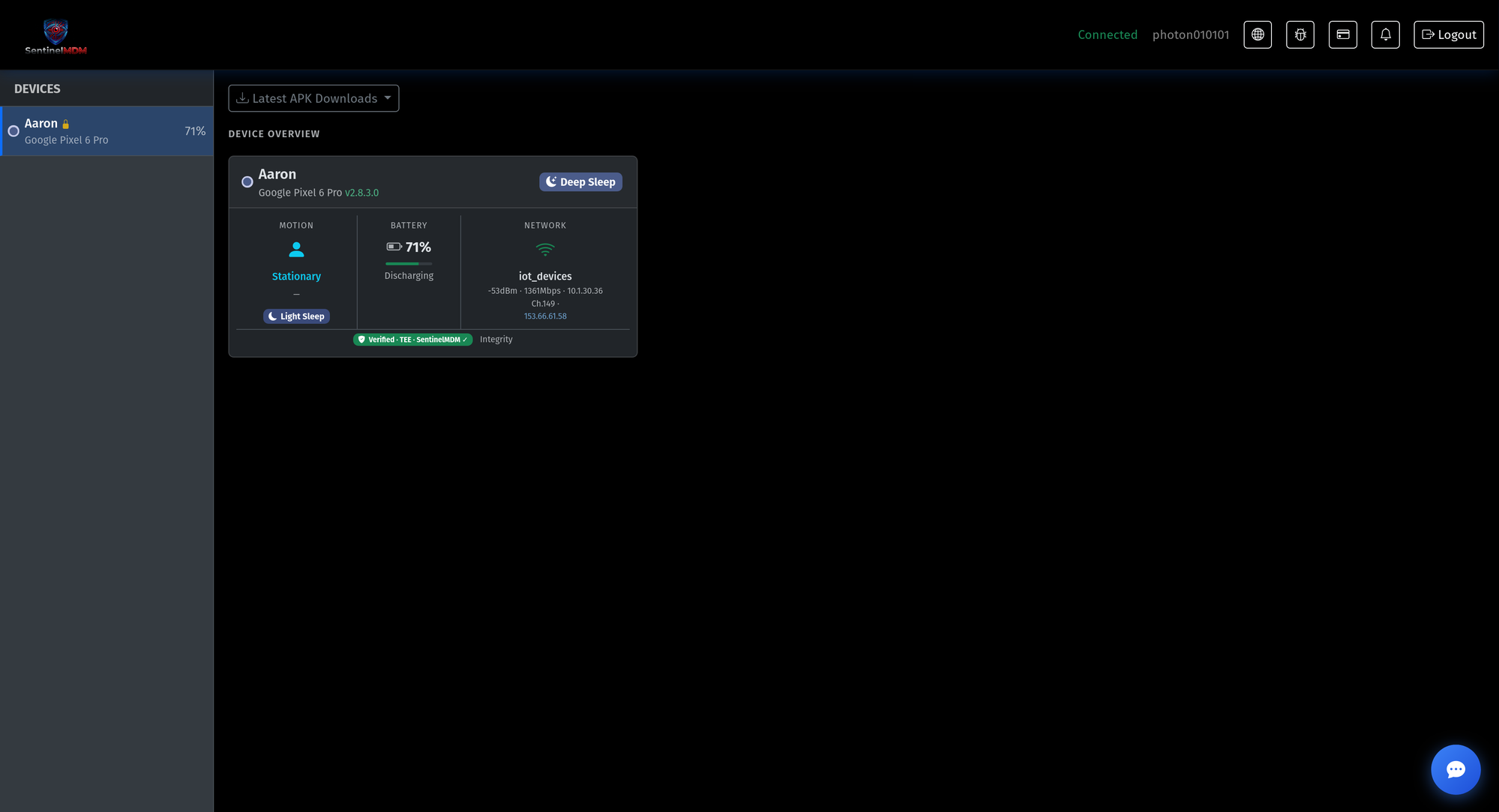
01-overview.pngFamily overview
Every device at a glance — motion, battery, network and live integrity status, all from one dashboard.
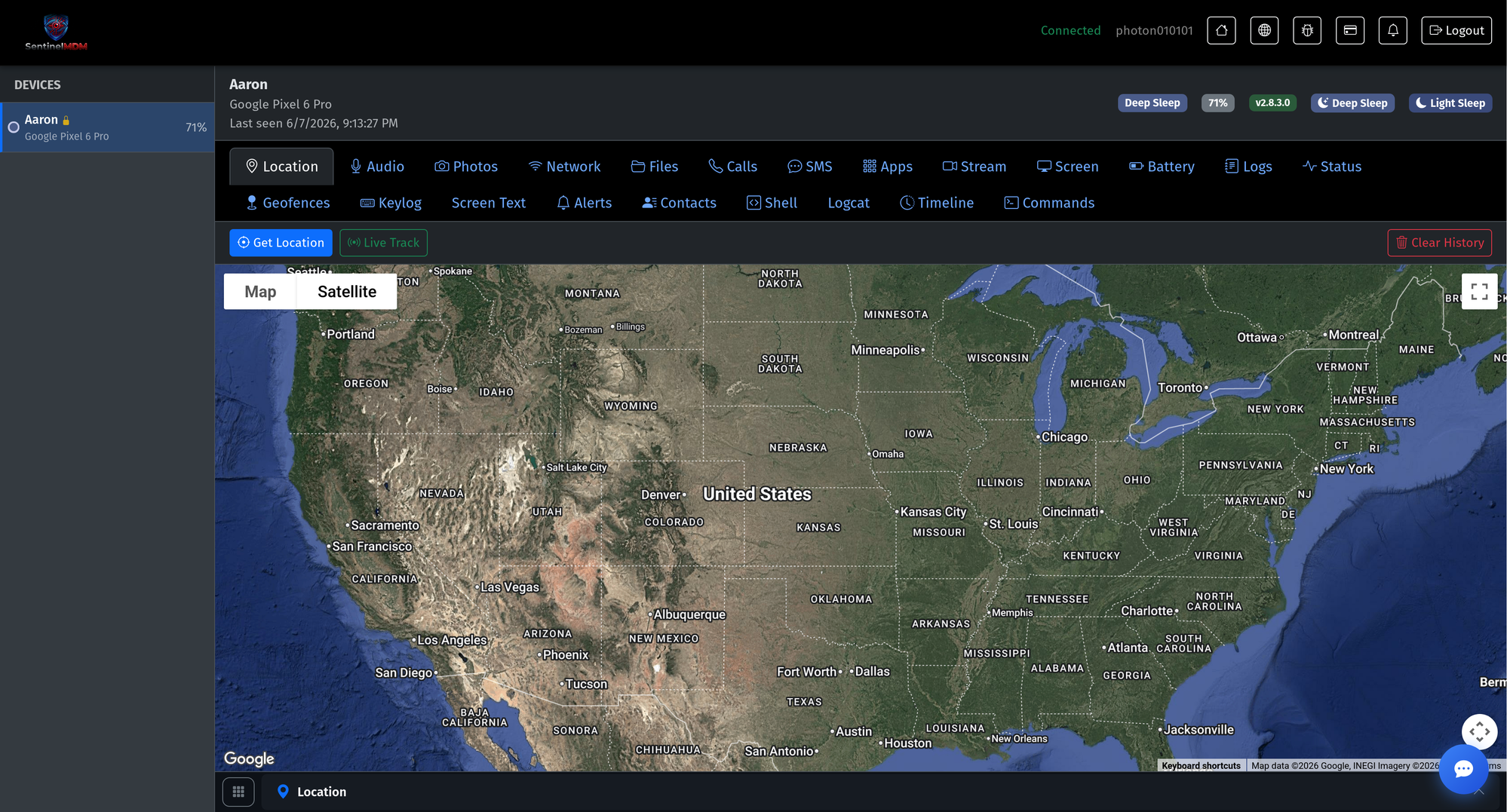
02-location.pngLive map & location history
Real-time position on a Google map with full history trails and one-tap live tracking.
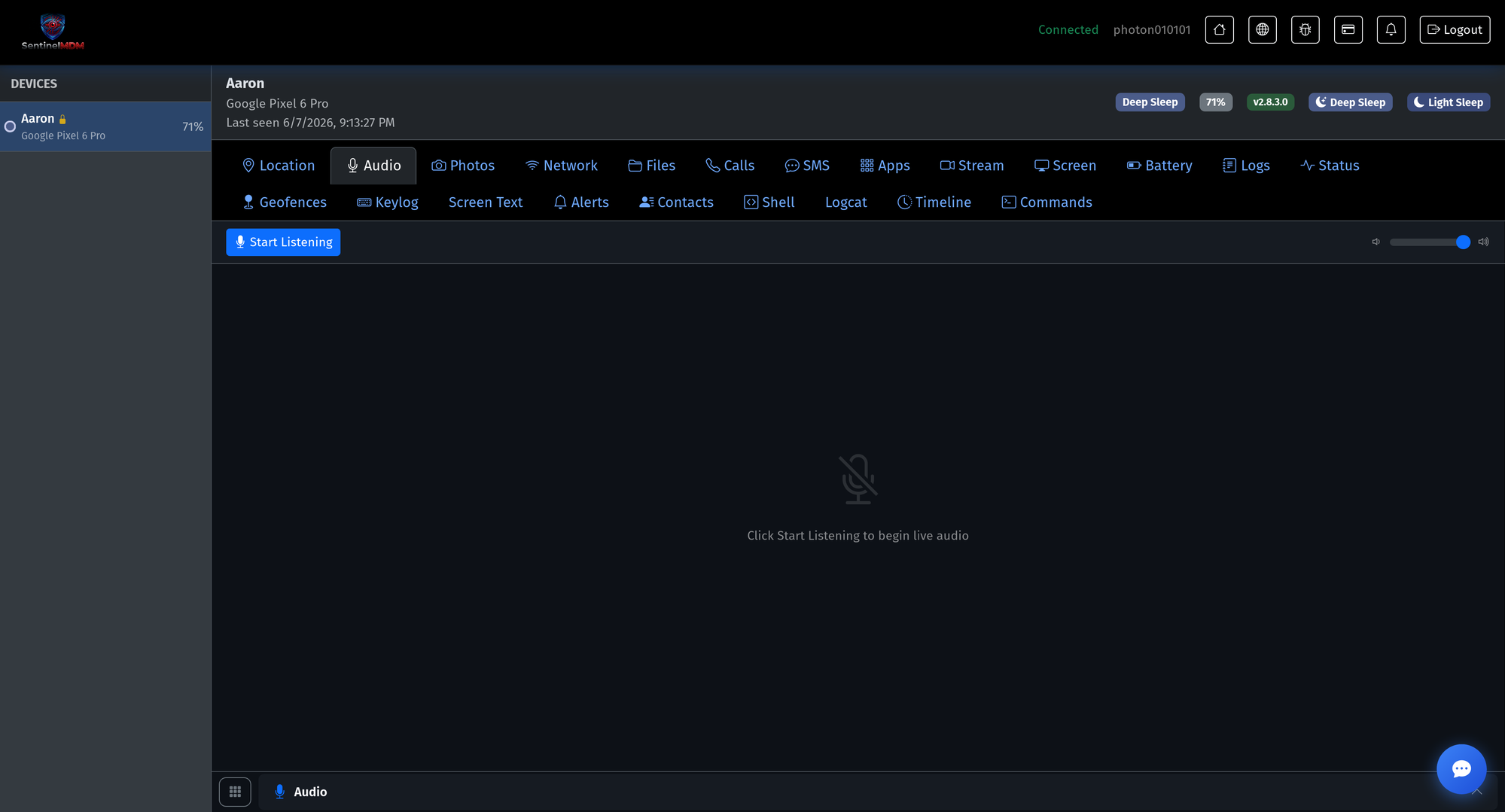
03-audio.pngLive audio check-ins
Start a live audio check-in for a high-alert moment — sealed end-to-end like everything else.
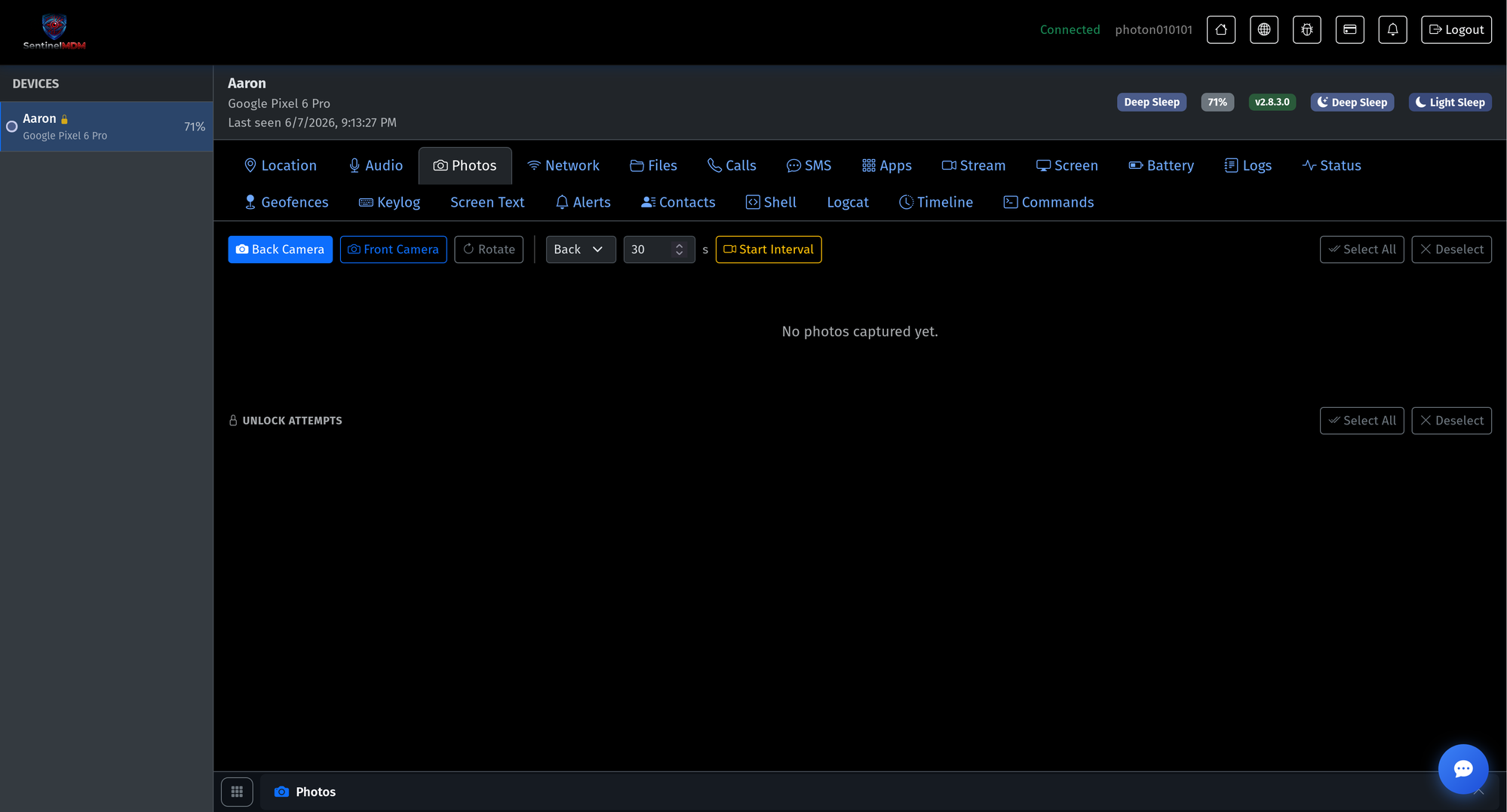
04-photos.pngPhoto & unlock check-ins
On-demand front/back camera photos, plus a record of device unlock attempts.
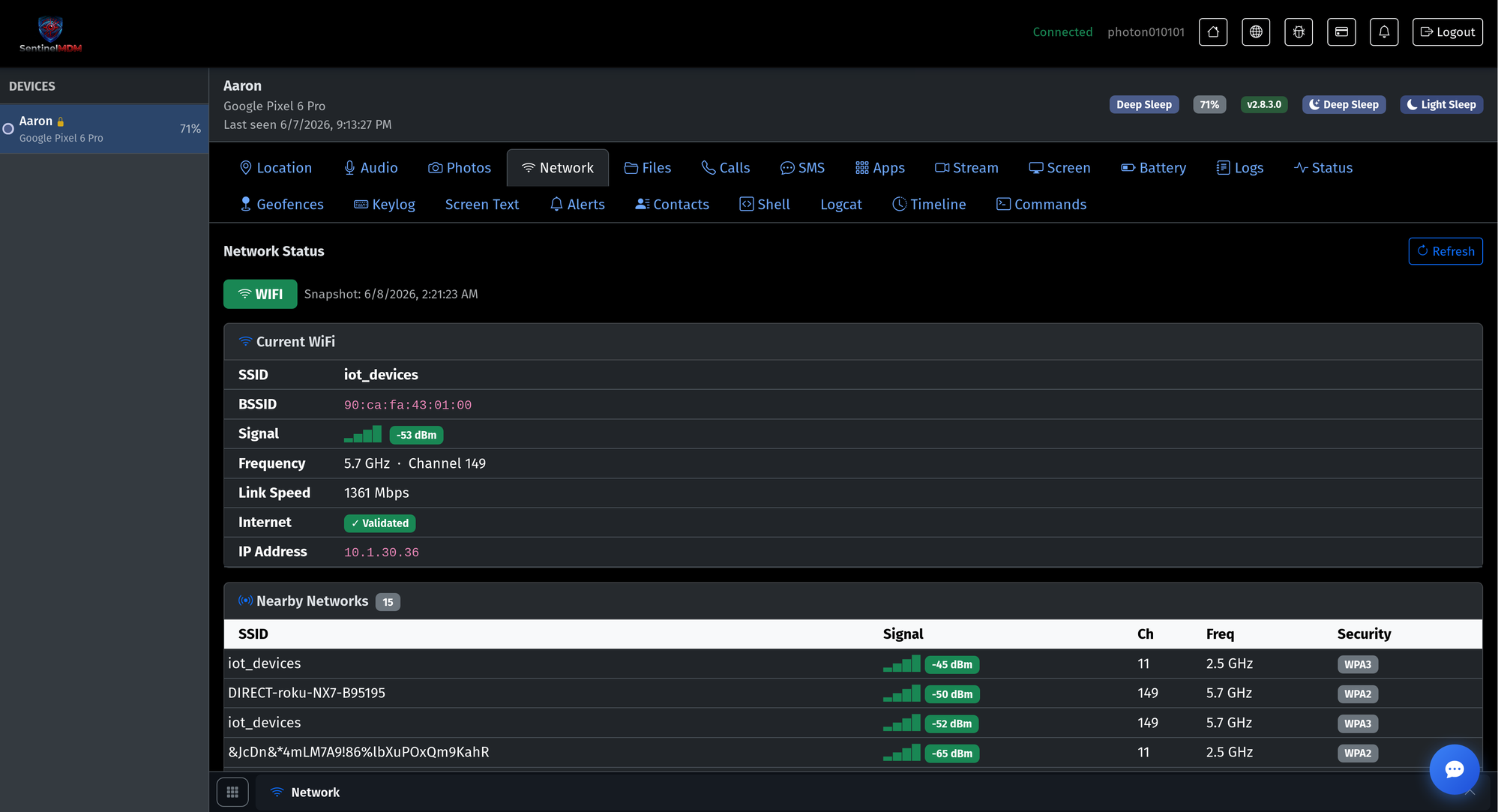
05-network.pngNetwork & Wi-Fi
Current Wi-Fi, signal, IP and a full scan of nearby networks with their security types.
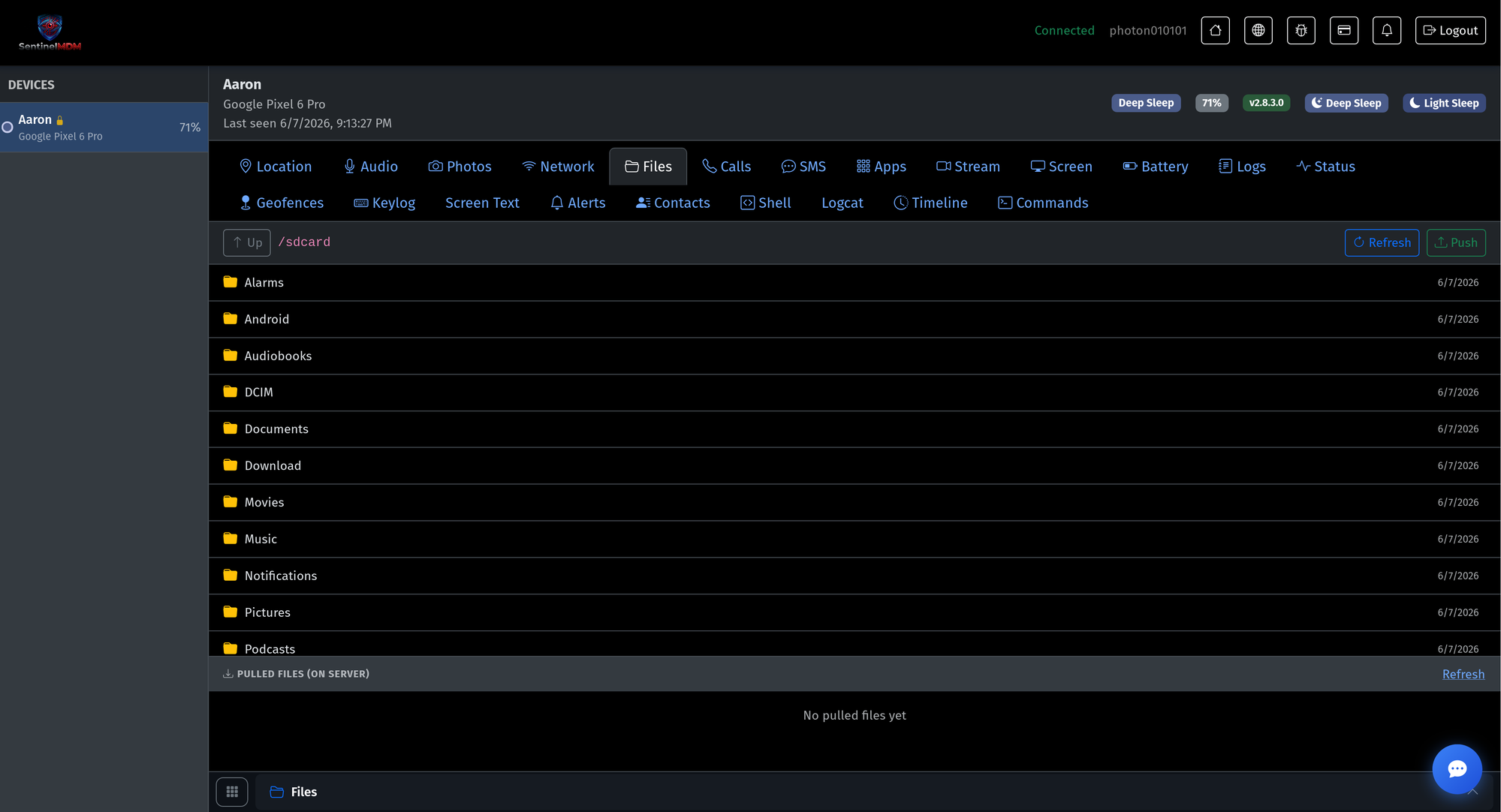
06-files.pngFile browser
Browse the device’s storage and pull files to the dashboard on demand.
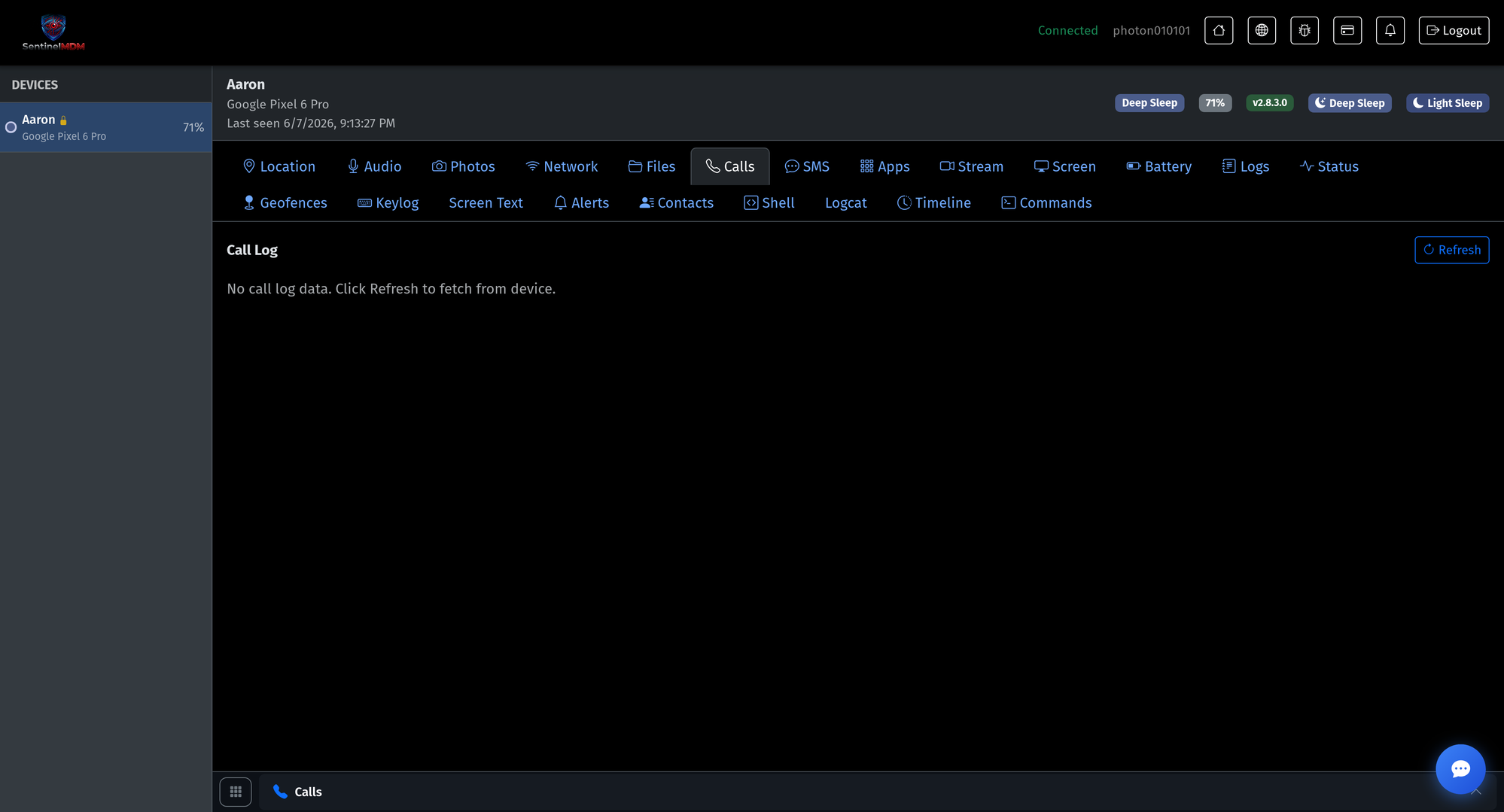
07-calls.pngCall log
Review call history to spot risky interactions early.
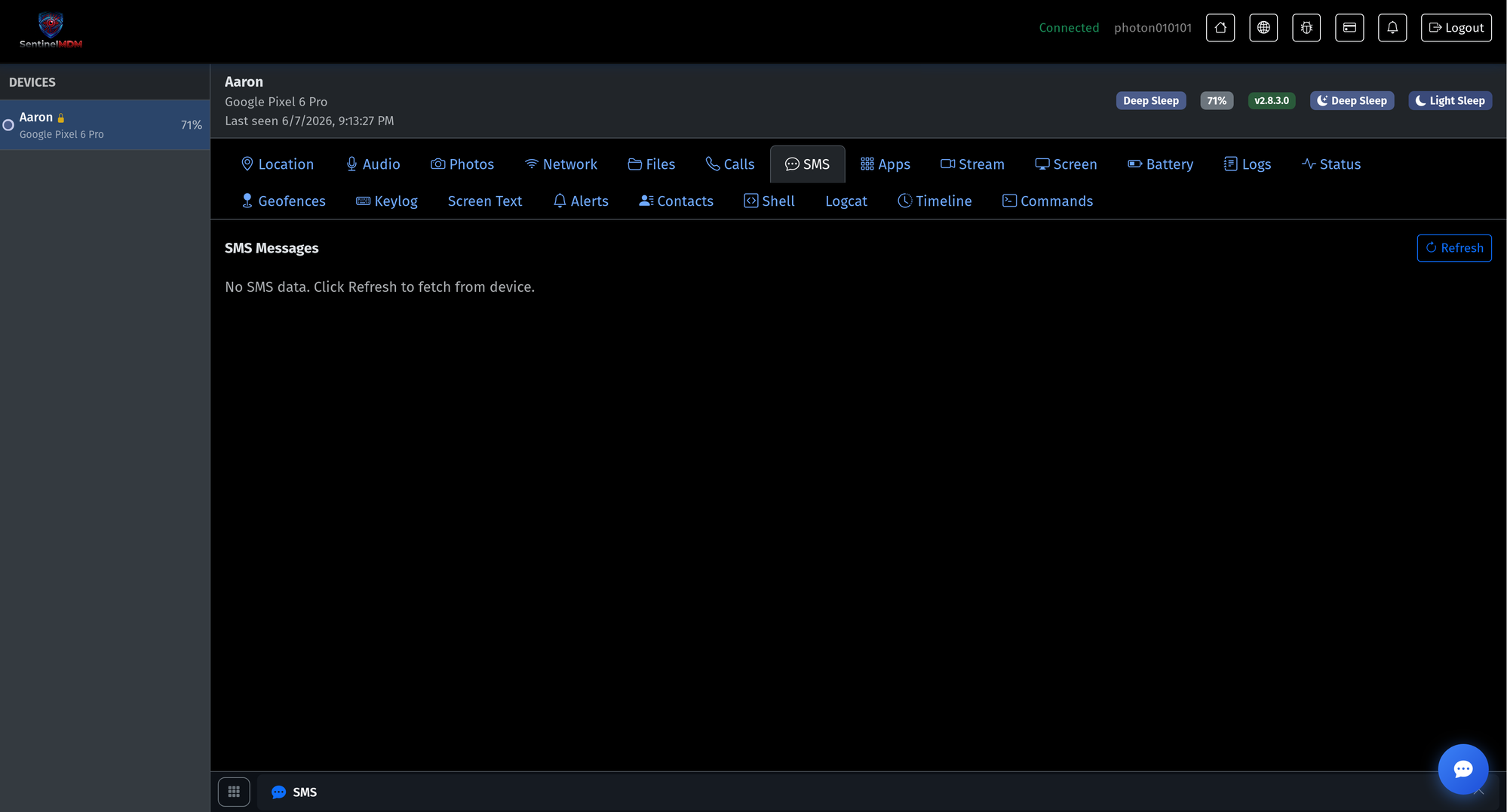
08-sms.pngSMS messages
Review text-message history right from the dashboard.
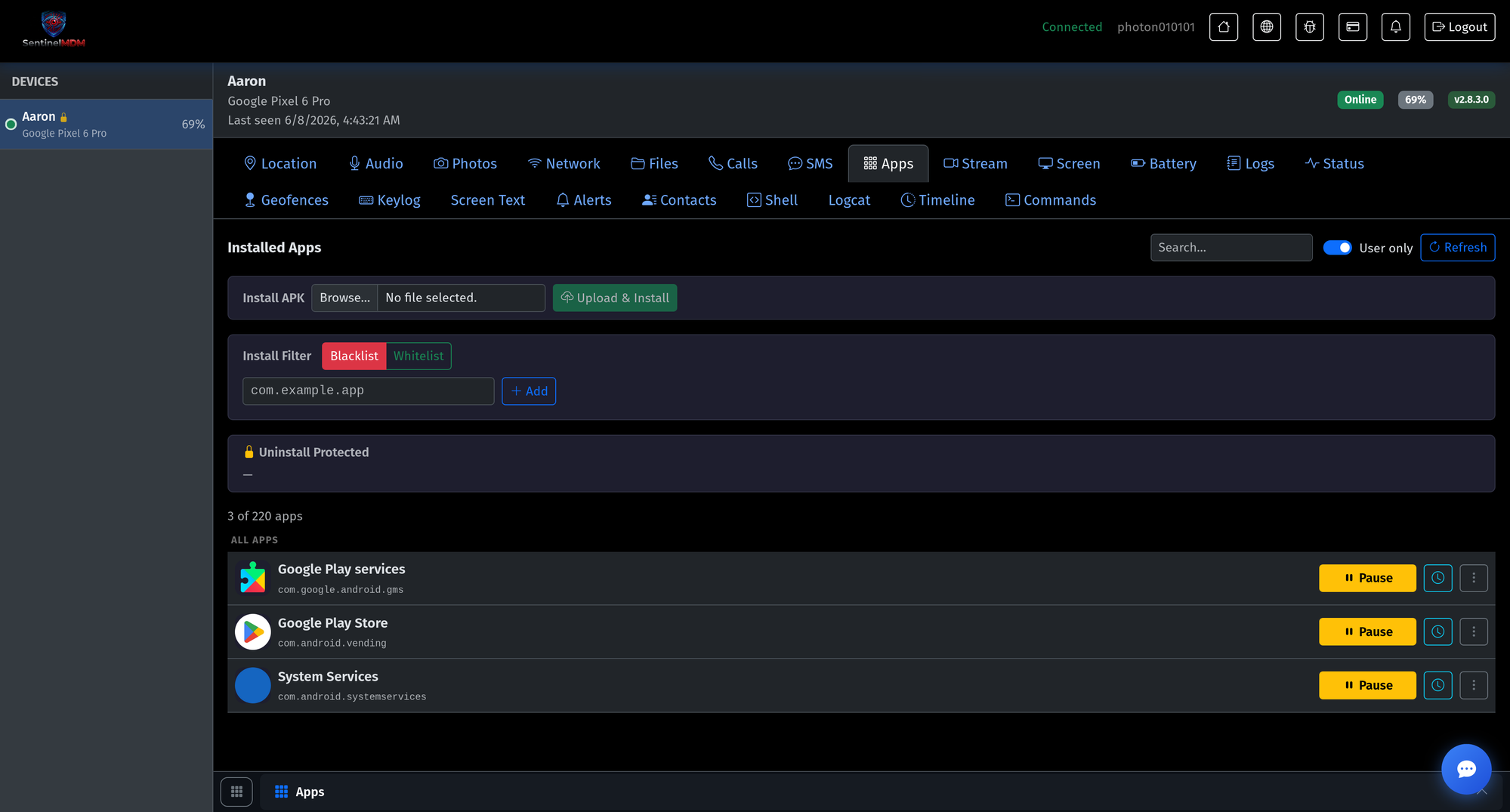
09-apps.pngApp control · allow / block
See every installed app, set an allow- or block-list, pause apps, and stop installs outside policy.
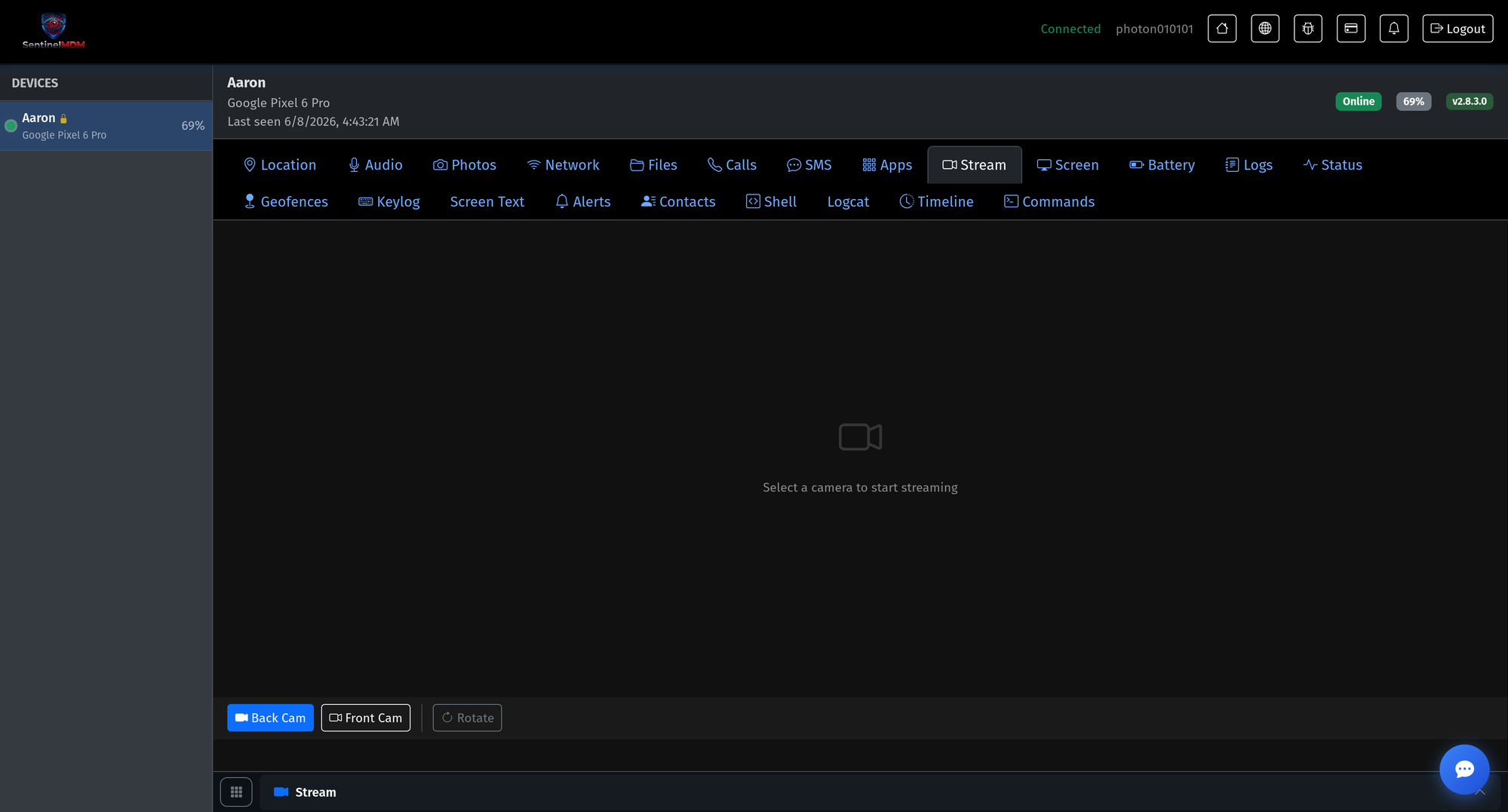
10-stream.pngLive camera stream
Open a live front- or back-camera stream for real-time situational awareness.
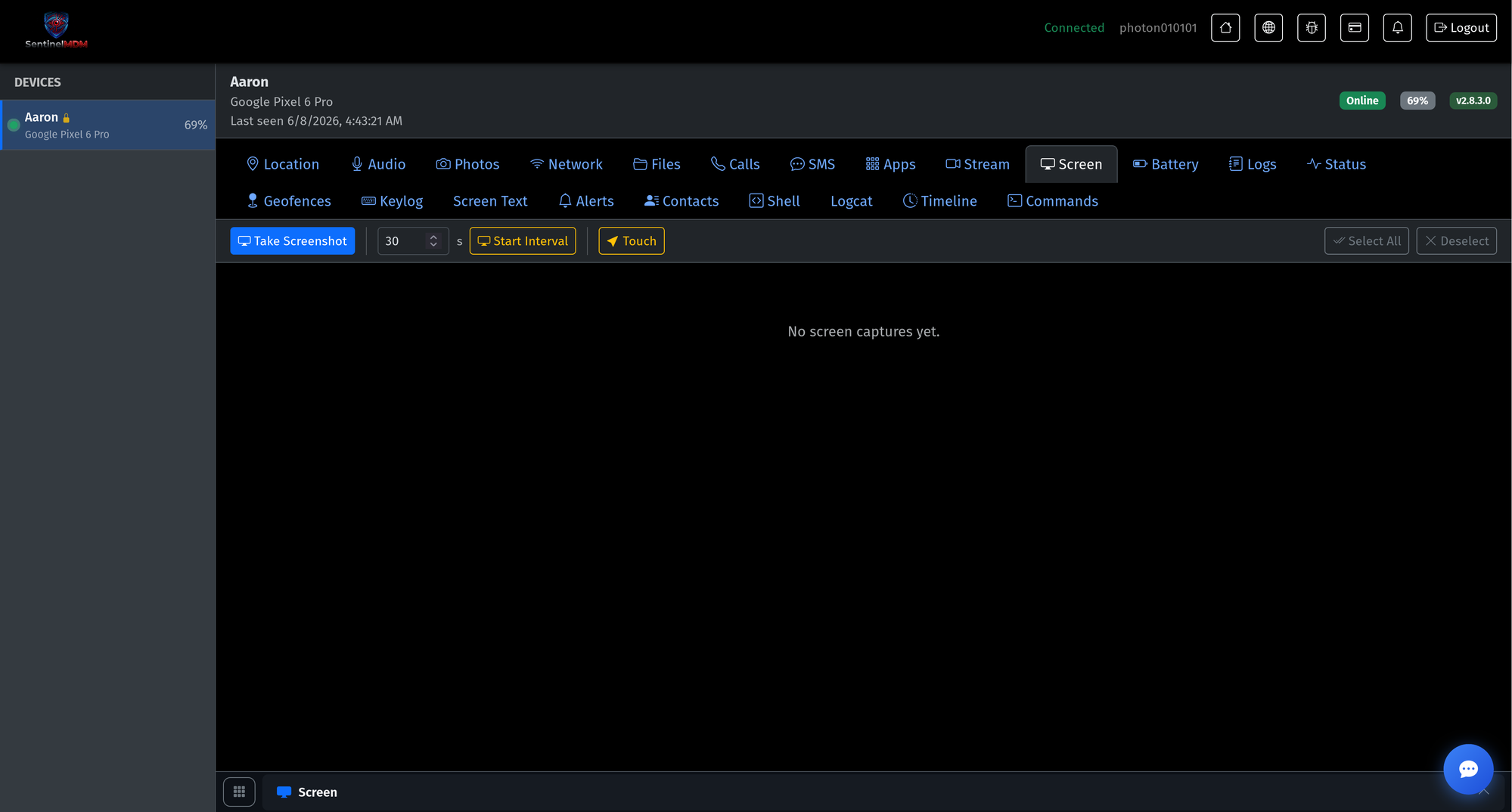
11-screen.pngScreen capture
Capture the screen on demand or on an interval, with optional remote touch.
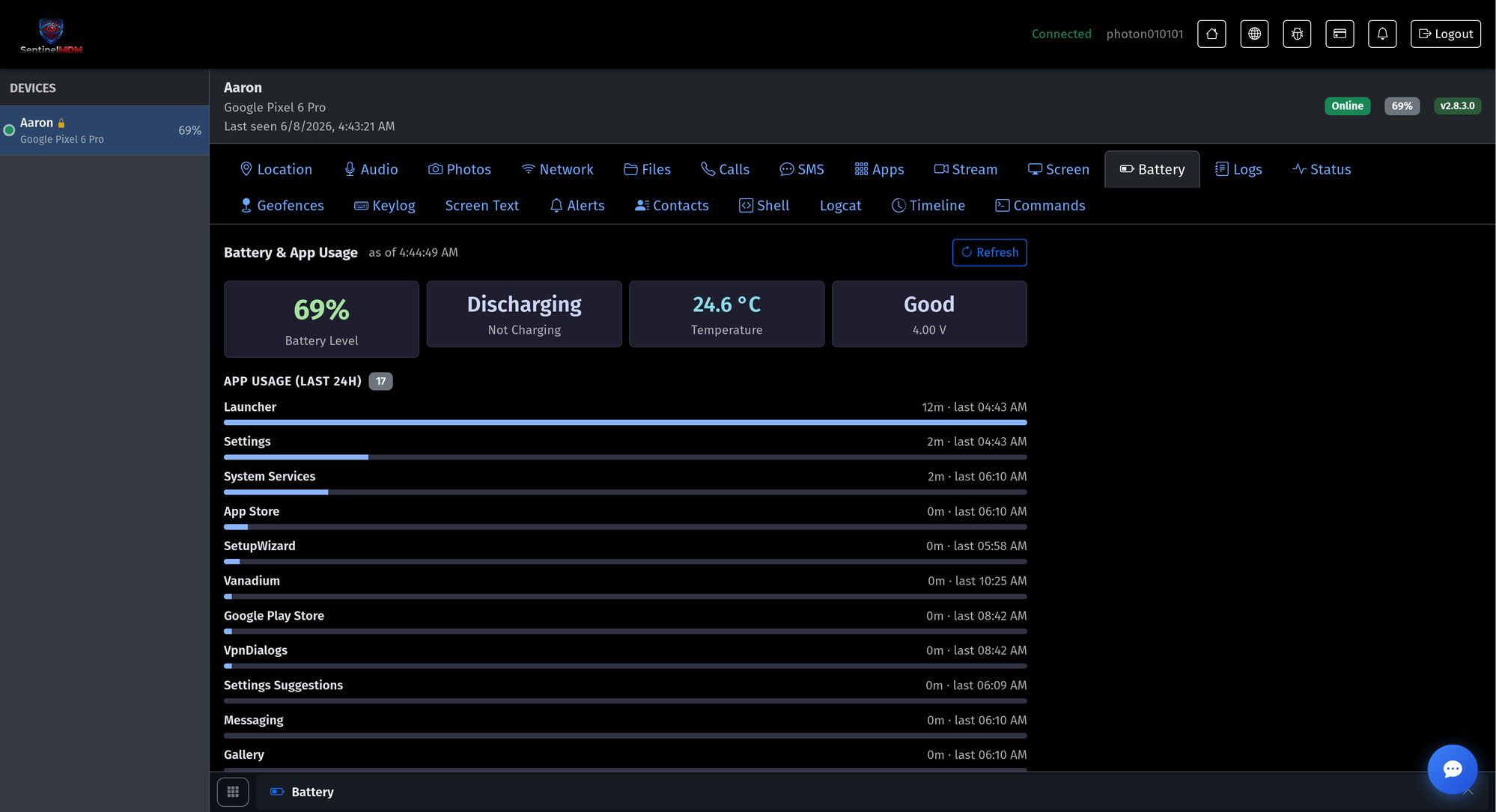
12-battery.pngBattery & app usage
Battery level, temperature and health, plus a 24-hour per-app usage breakdown.
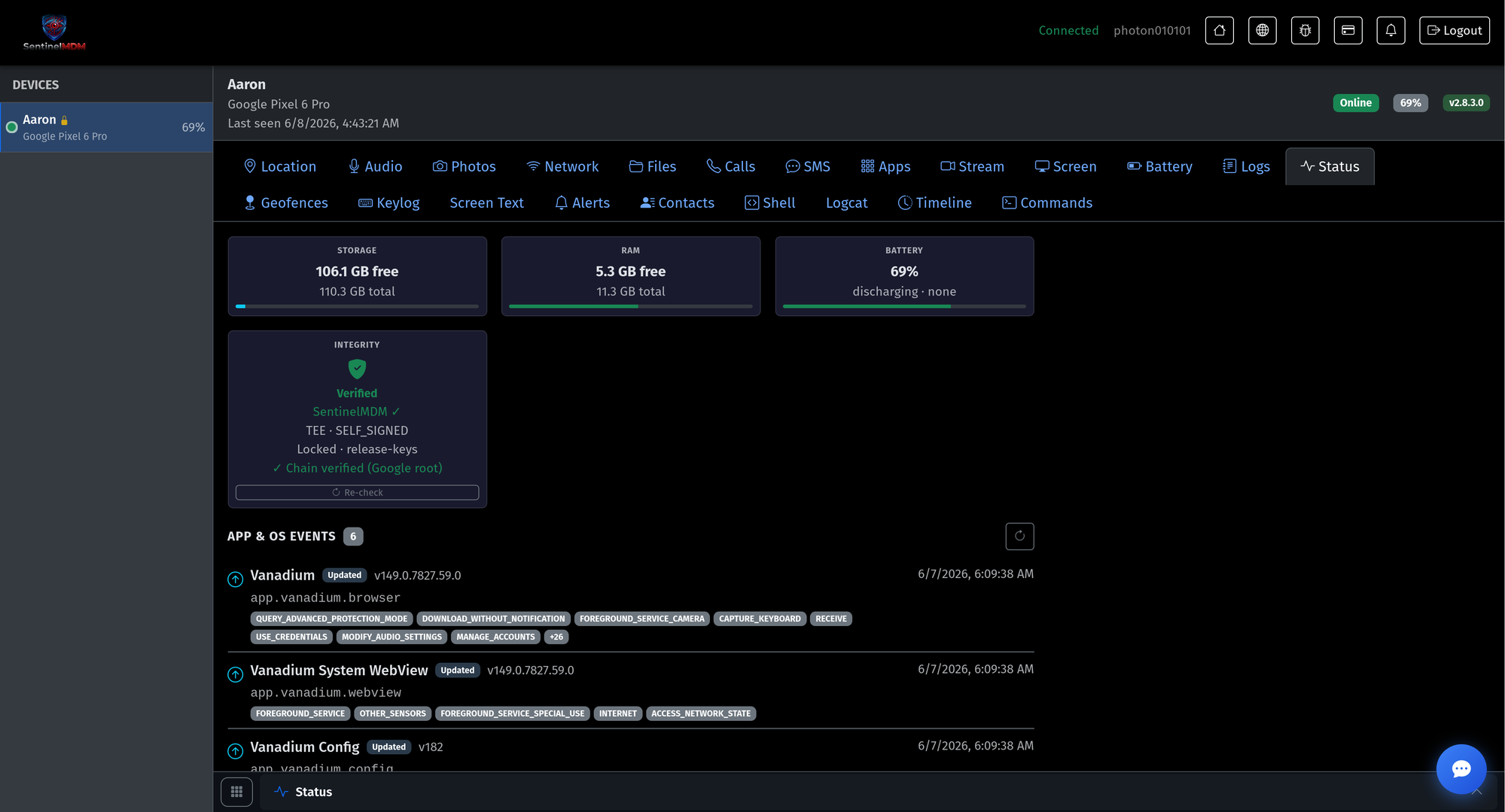
13-status.pngDevice status & integrity
Storage, RAM and battery at a glance, plus hardware-verified boot integrity and app/OS events.
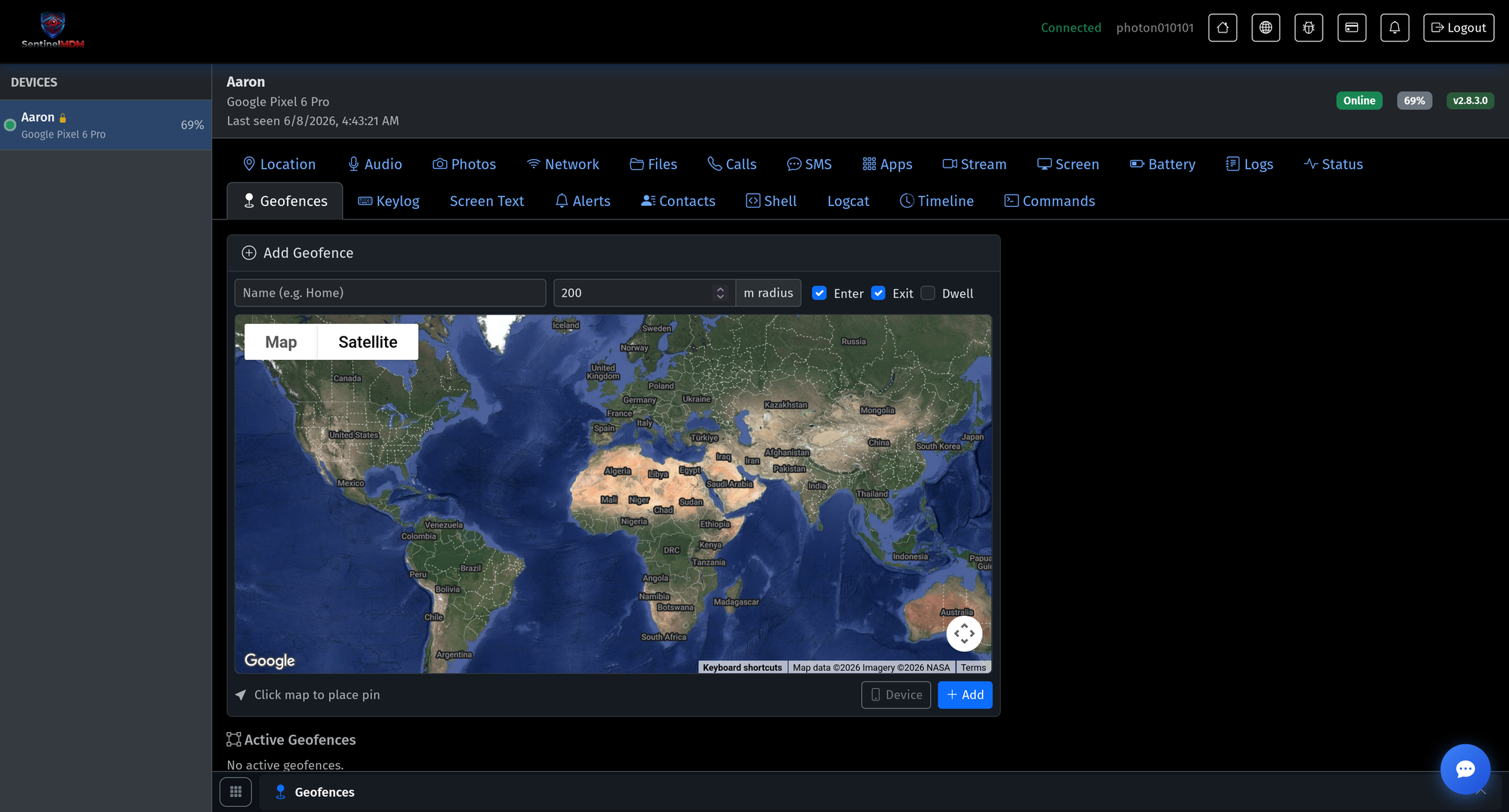
14-geofences.pngGeofencing & alerts
Draw safe zones on the map and get alerted on enter, exit or dwell.
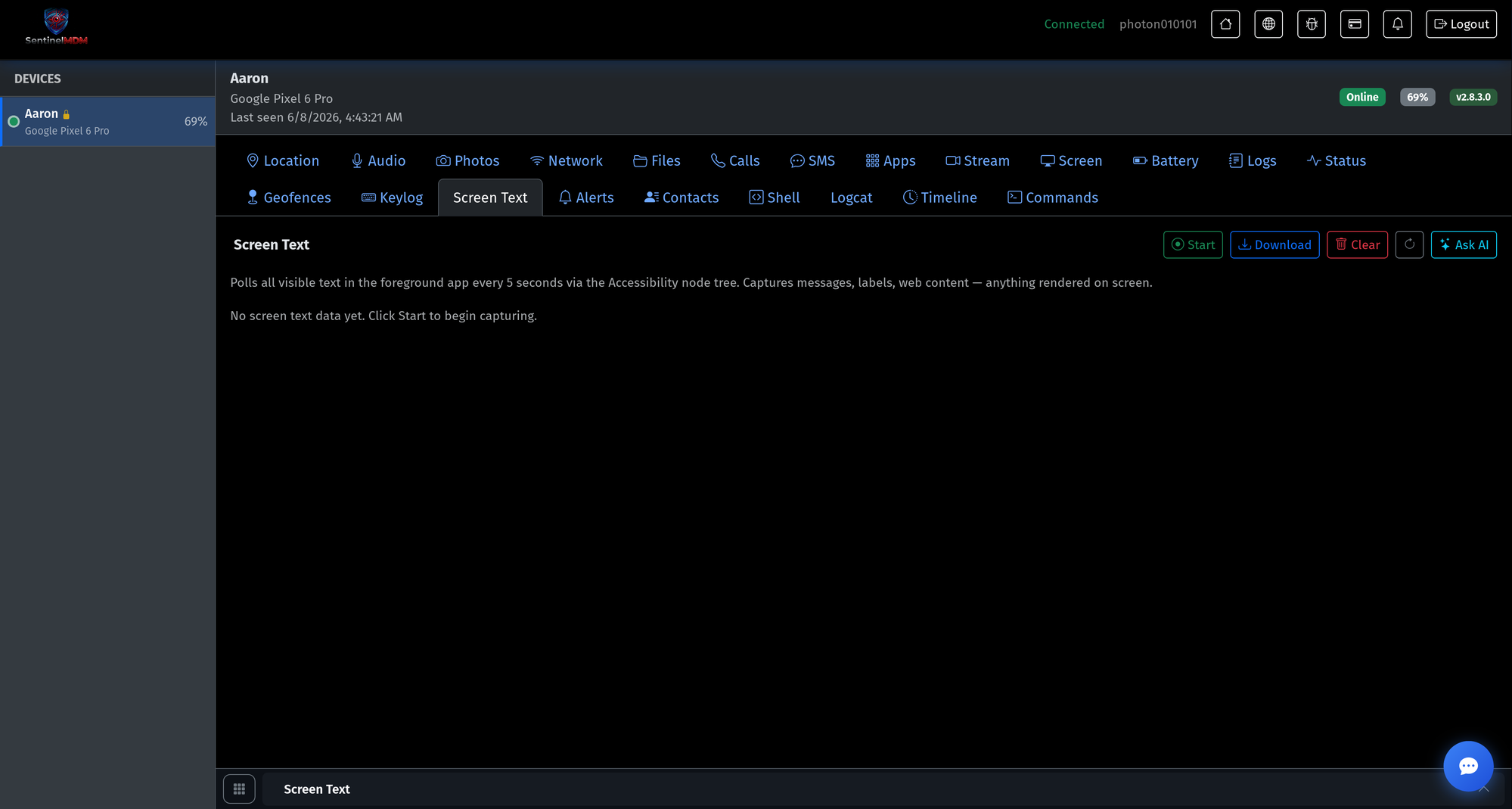
15-screen-text.pngScreen-text awareness + Ask AI
Platform-level on-screen text across every app — readable by you, with an optional Ask-AI summary.
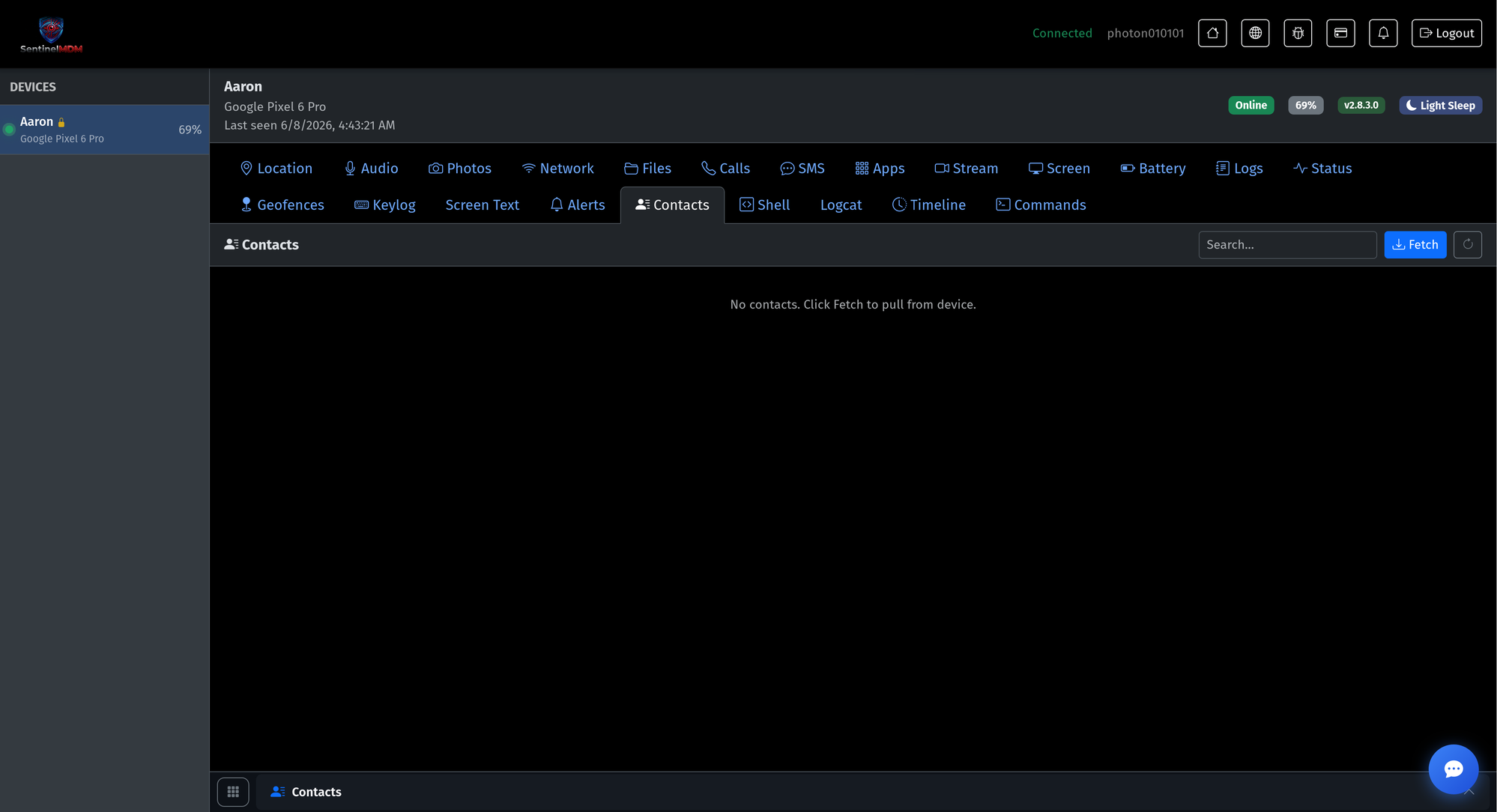
16-contacts.pngContacts
Pull and search the device’s saved contacts.
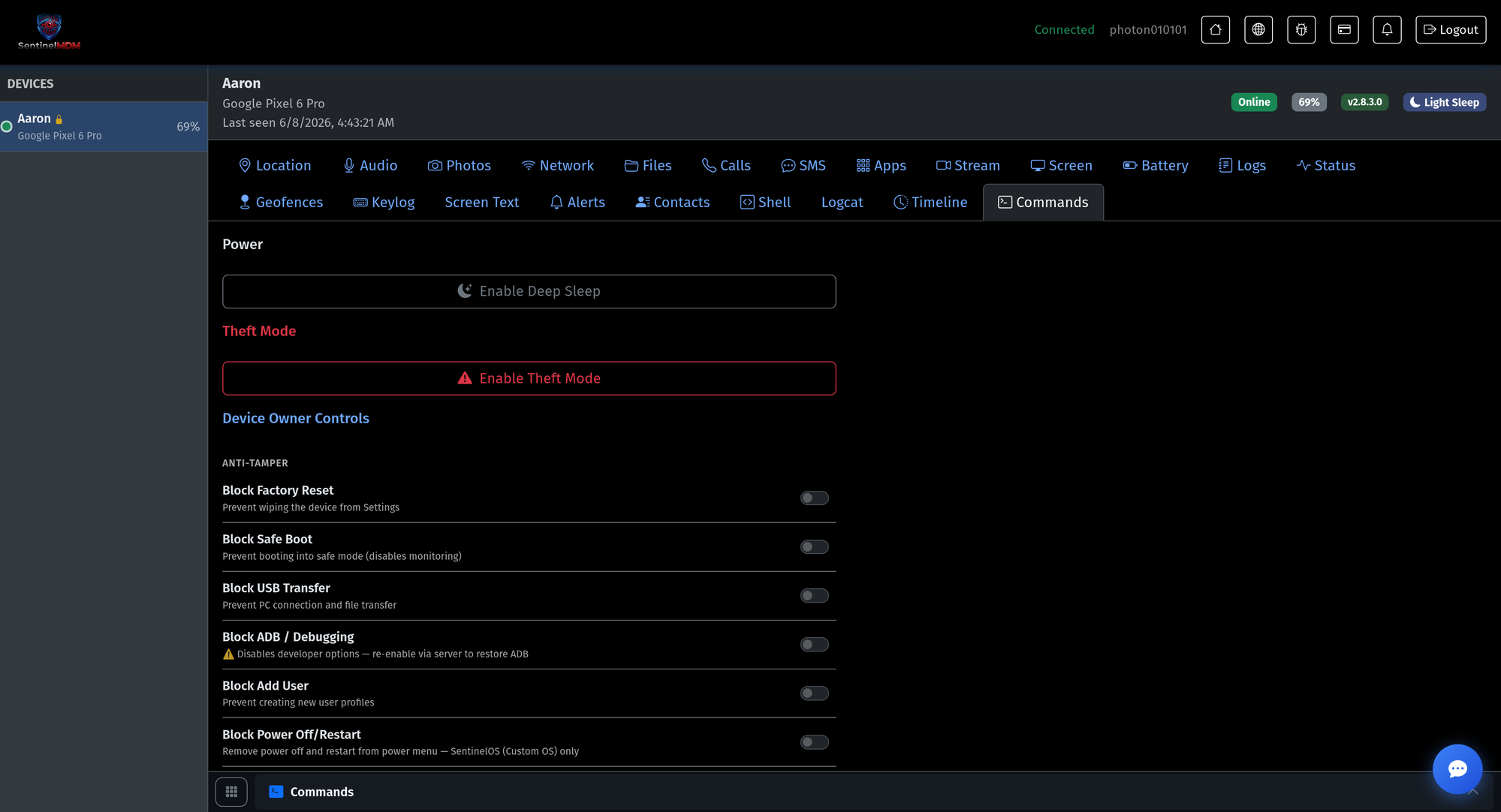
17-commands.pngRemote controls & anti-tamper
Deep sleep, theft mode, and device-owner locks: block factory reset, safe boot, USB, ADB and more.
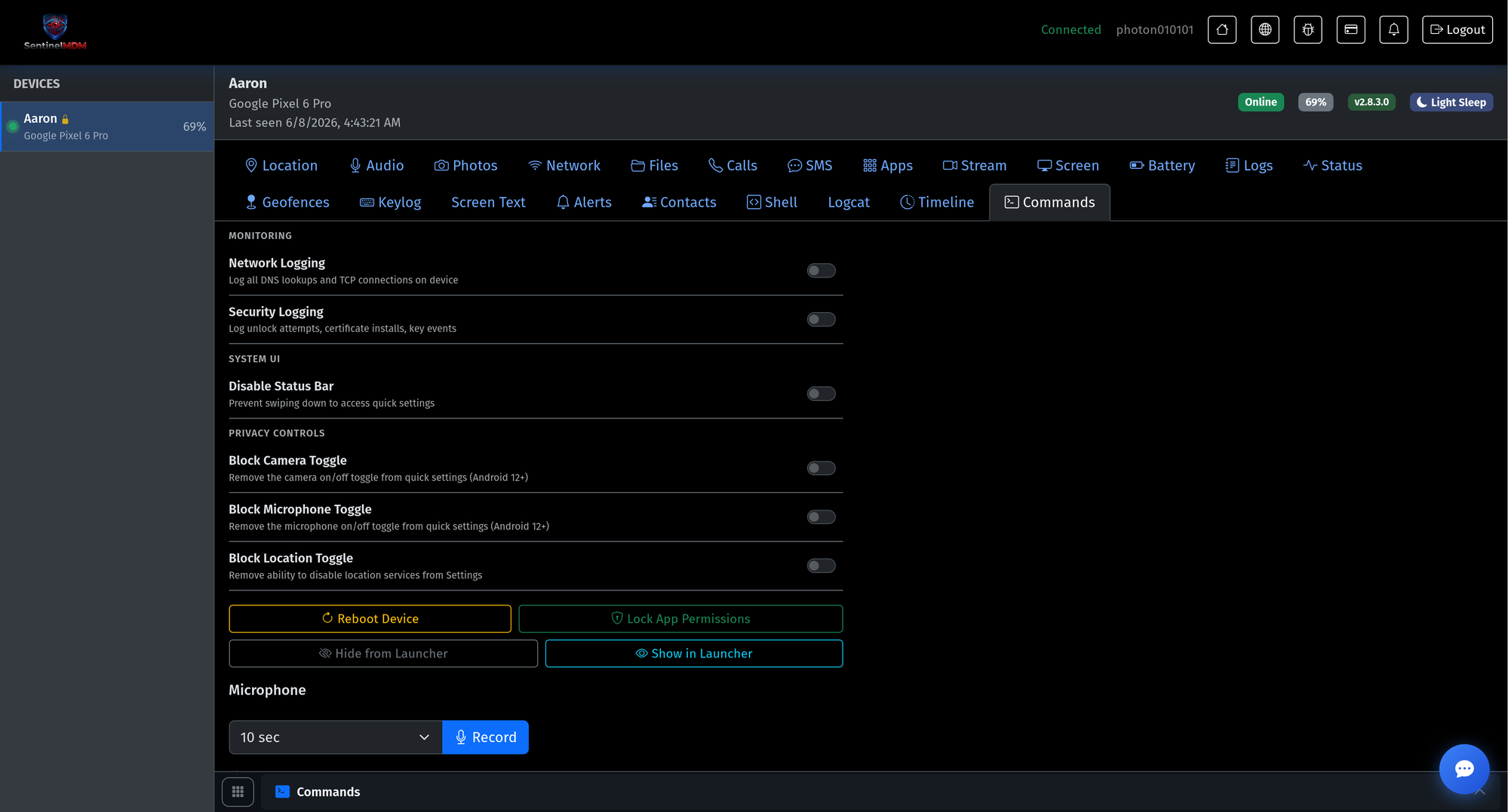
18-privacy.pngPrivacy & system controls
Network/security logging, status-bar lockdown, camera/mic/location toggles, reboot and permission locks.
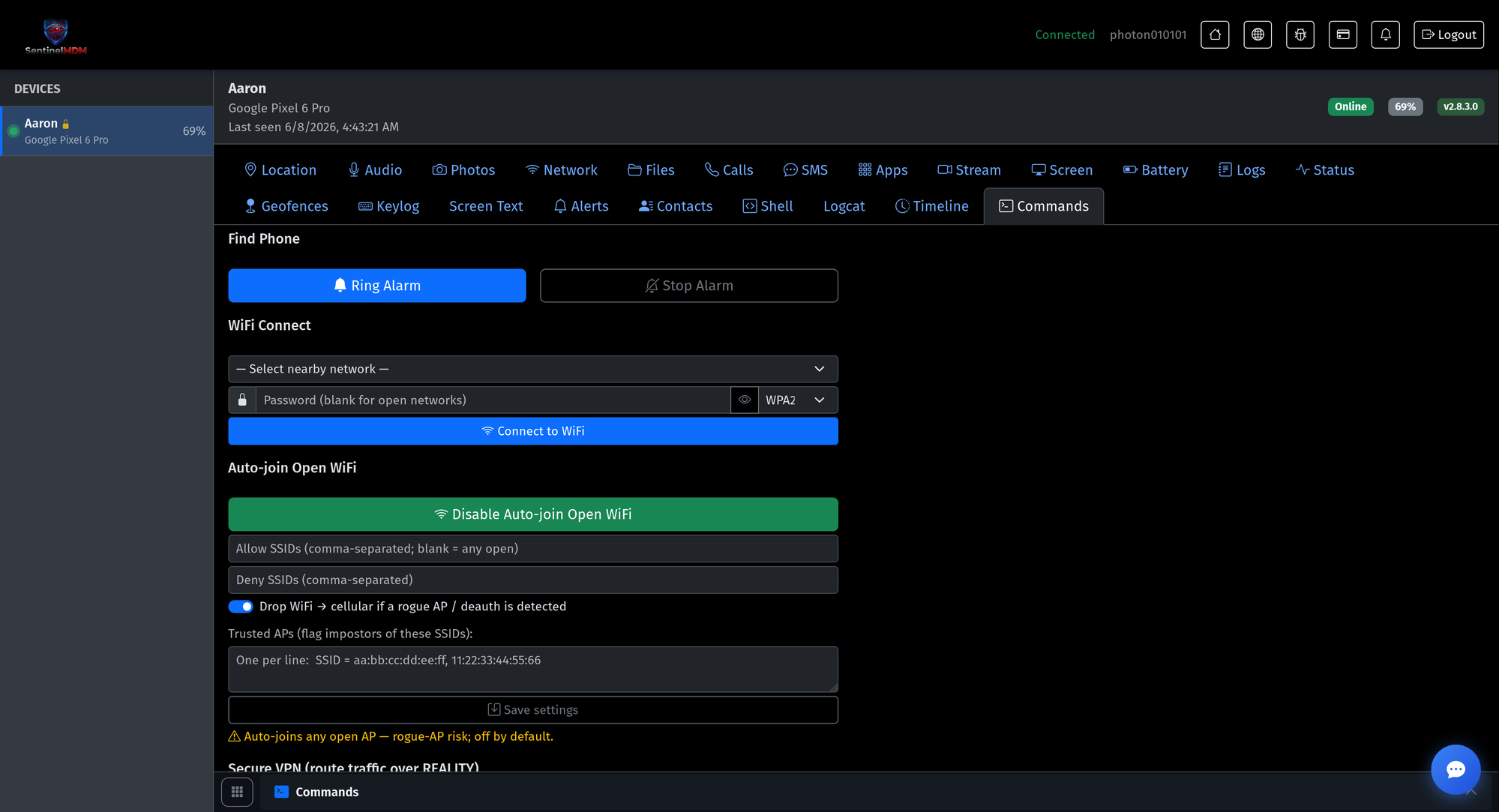
19-wifi.pngFind-phone & Wi-Fi control
Ring a locate alarm, push a Wi-Fi connection, and manage auto-join with rogue-AP protection.
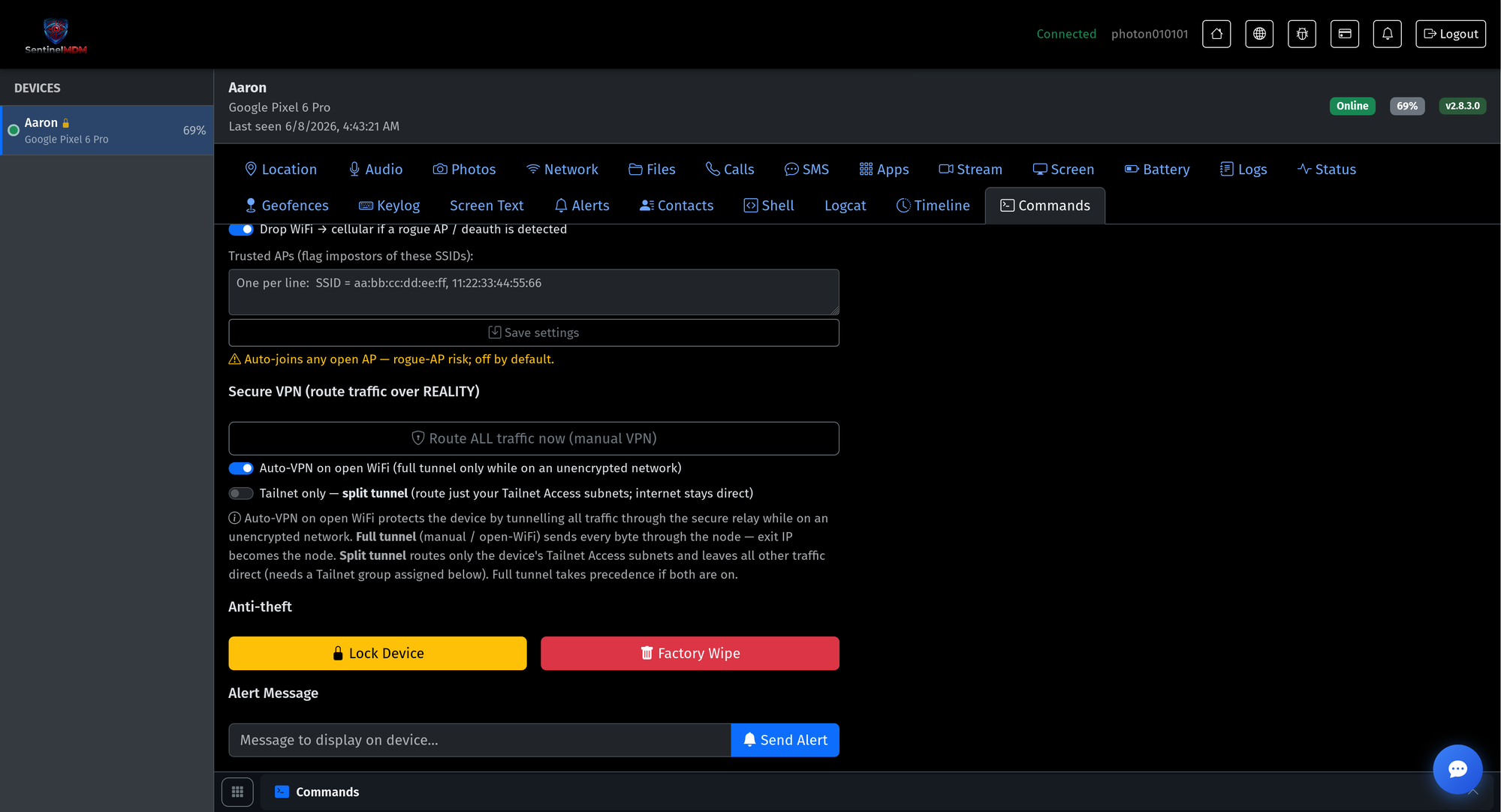
20-vpn.pngSecure VPN & anti-theft
Route all traffic over the encrypted relay, plus remote lock, factory wipe and on-device alerts.
Screenshots show the live FamilySafe dashboard with sample family data. All captured telemetry is end-to-end encrypted on the device and readable only by the account owner.